


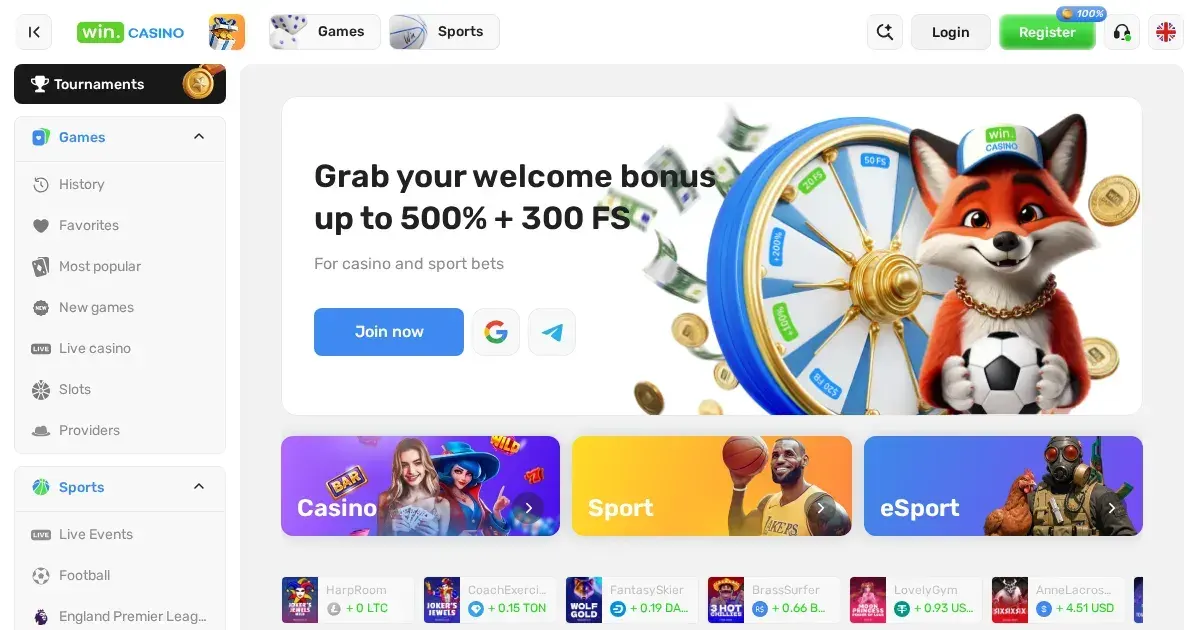
Win provides a browser-based route for accessing its slots and sportsbook from a phone, with the same account used on a desktop. Our mobile guide explains what works on a smaller screen, which tasks may take more space and what to check before your next session. Win’s own geographic restrictions list the United Kingdom, so access from a UK connection may not be permitted.
A practical starting point for mobile sessions
A mobile session works best when the essentials are settled before you open the games. The rules below are specific to how Win handles access, balances and account checks.
- Use the operator’s own address in your phone browser rather than a link from an unsolicited message.
- Sign in with the same account details used on desktop; your balance and bonus status remain tied to that account.
- Complete identity checks before requesting a withdrawal. Full verification applies whenever you request a withdrawal of any amount.
- Set your gambling limits before starting, rather than after a session has already run for some time.
- Sign out on a shared phone or tablet, particularly if someone else may use the device.
Keep your connection stable through deposits, betting and withdrawal requests. The platform requires deposited funds to be wagered at least once at minimum odds of 1.1 before a withdrawal can proceed.
Using the site through your phone browser
Win’s site is the practical route for mobile access because the same browser can handle the games lobby, sportsbook, account areas and support channels. There is no separate download flow to complete, which also means you should check the address each time you return.
The account remains consistent across devices. You do not need a second balance for mobile play, and any qualifying bonus attached to the account follows the same activation and wagering conditions described in its offer terms.
What you can manage on a phone
Our mobile access covers the main account functions that benefit from being available away from a desktop. The game selection includes slots from providers such as Pragmatic Play, PGSoft, Hacksaw Gaming and Red Tiger, while the sportsbook covers football, basketball, American football, tennis, baseball and ice hockey markets.
- Browse the slots lobby and place wagers using the same account balance.
- Use the sportsbook and review selected pre-match markets.
- Begin identity verification with the documents required for a withdrawal.
- Contact support through live chat, phone or email.
Documents for verification include government-issued photo ID, a selfie holding that document, and a bank statement or utility bill. Verification may take up to 72 hours, with results shared within five working days.
Where a small screen is less convenient
Long betting slips and dense account pages can require more scrolling and zooming on a phone. This is particularly relevant when placing multi-leg sports bets, comparing market odds or completing document checks.
Some sportsbook features also need a steady connection. An interrupted request can leave an action incomplete, so confirm each bet before adding another selection. For payments, a 50 EUR administration fee applies to each charge-back, denial or payment reversal, while customers remain responsible for their own bank charges.
Short checklist before you play
- Check that you are using the operator’s own site address.
- Confirm your connection is stable enough for a longer session.
- Decide your deposit, stake and session limits in advance.
- Allow enough time for verification before planning a withdrawal.
- Sign out and close the browser on a shared device.
Win’s bonus balance follows separate wagering rules, including a general maximum stake of 10 EUR while bonus wagering is active unless a specific bonus states otherwise. Keep this limit in view when moving between your phone and desktop.
Responsible play on a mobile device
A phone keeps gambling within reach throughout the day, so set limits before beginning. Win provides self-exclusion for at least six months and a seven-day cooling-off period. Use parental-control software such as Net Nanny or Qustodio on a shared device, and contact the National Gambling Helpline on 0808 8020 133 or BeGambleAware.org if play no longer feels like entertainment.
Access to this site is restricted to persons aged 18 and over (18+). For free and confidential support, visit BeGambleAware.org.